> ## Documentation Index
> Fetch the complete documentation index at: https://mcpjam-include-cli-start.mintlify.site/llms.txt
> Use this file to discover all available pages before exploring further.
# Tools / Prompts / Resources
> Manually trigger your server's tools, prompts, and resources
Test your MCP server's implementation of tools, prompts, and resources. You can manually trigger them to quickly iterate on your implementation.
## Tools
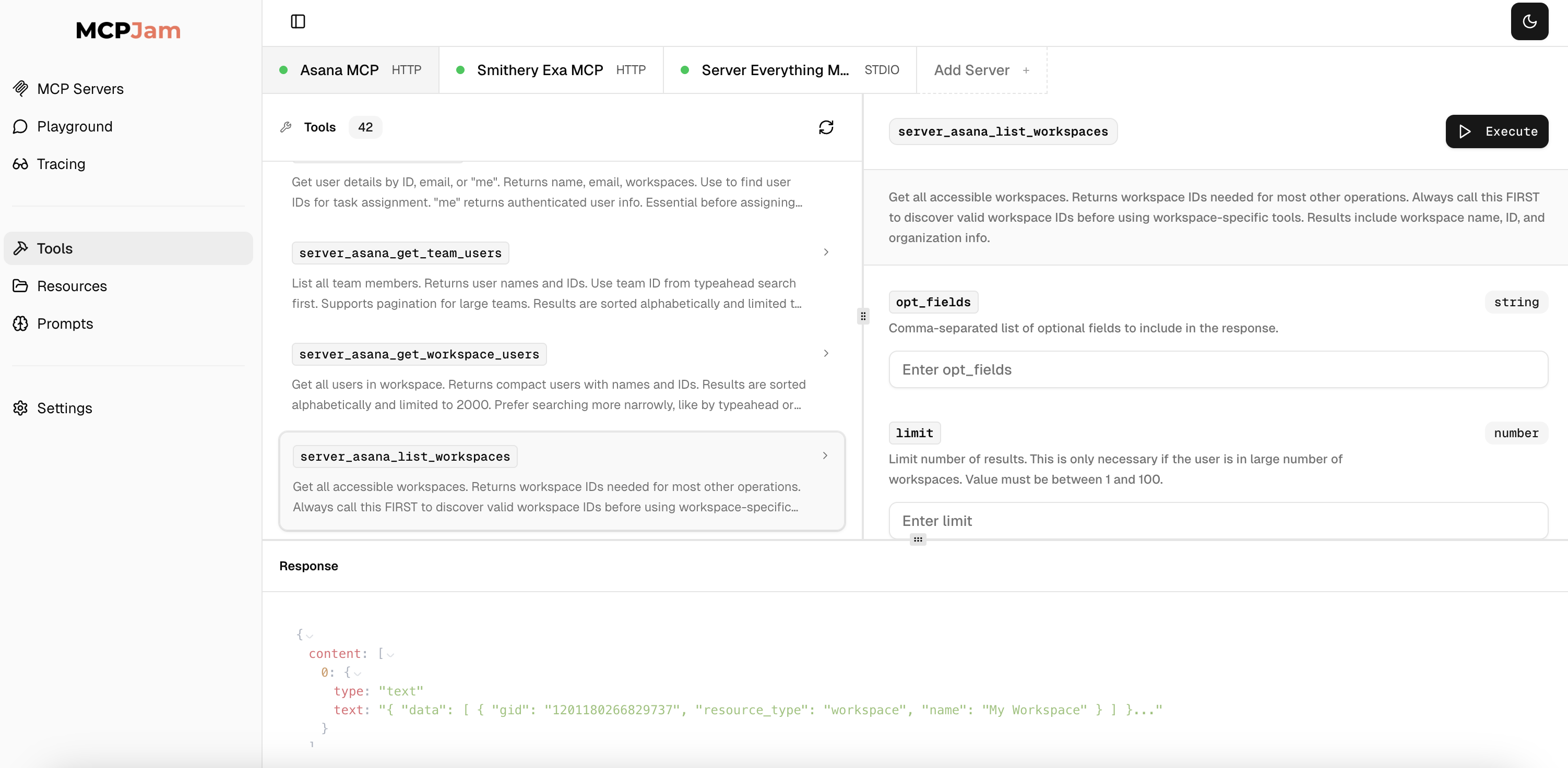 * View all tools, tool name, tool description.
* Search for tools
* View tool params
* Trigger a tool with params
* Support for elicitation
### Save requests
You can save a tool request. Saved requests will show up in the `Saved Requests` tab. They are stored in your browser local storage. Clicking on a saved request will fill out a tool with the params you saved.
## Resources
* View all resources, resource name, location, mimetype
* Read a resource
## Prompts
* View all prompts, prompt name, prompt description
* View prompt params
* Fetch a prompt with given params
* View all tools, tool name, tool description.
* Search for tools
* View tool params
* Trigger a tool with params
* Support for elicitation
### Save requests
You can save a tool request. Saved requests will show up in the `Saved Requests` tab. They are stored in your browser local storage. Clicking on a saved request will fill out a tool with the params you saved.
## Resources
* View all resources, resource name, location, mimetype
* Read a resource
## Prompts
* View all prompts, prompt name, prompt description
* View prompt params
* Fetch a prompt with given params